

Model I66BK: 26-inch foldable dual-head
Quntis 曲面モニターライトバー IM 66 cm(26 inch)ブラック、15モードRGBバックライト搭載の折りたたみ式デュアルライト、34インチ以上のウルトラワイド曲面スクリーン対応ワイヤレスリモコン付き、目に優しくまぶしさを抑えた無段階調光ゲーミングランプ
🎖️Winner of the IDA & NY Product Design Awards
Focused front lighting, independent rear RGB ambiance and wireless desk-side control—built around compatible ultrawide curved setups.
- Foldable dual-head coverage for ultrawide curved setups
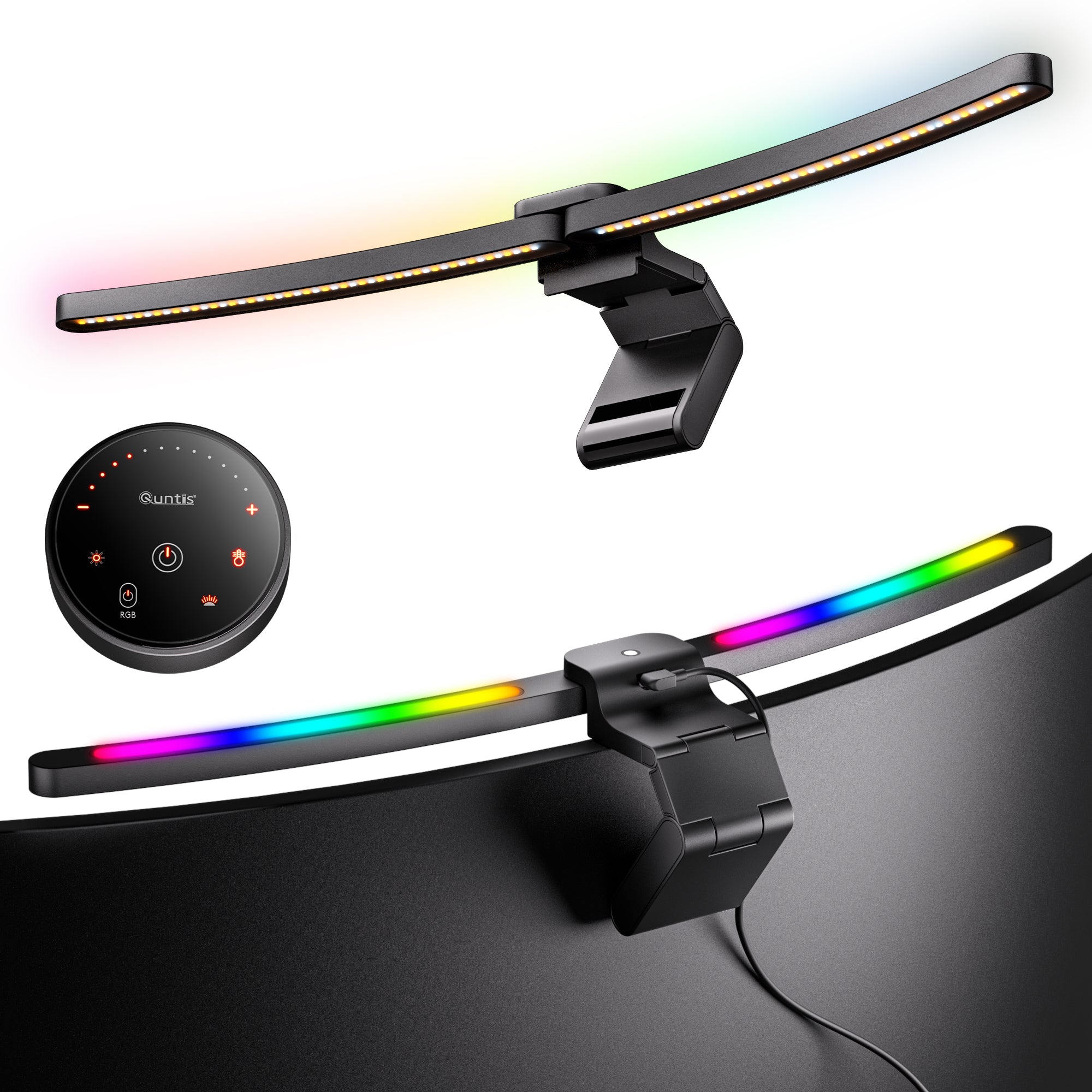
- White front task light + independent rear RGB backlight
- Wireless puck remote + ambient-light auto-dimming
- 30-day returns and a 1-year warranty
Variant Code: I66BK
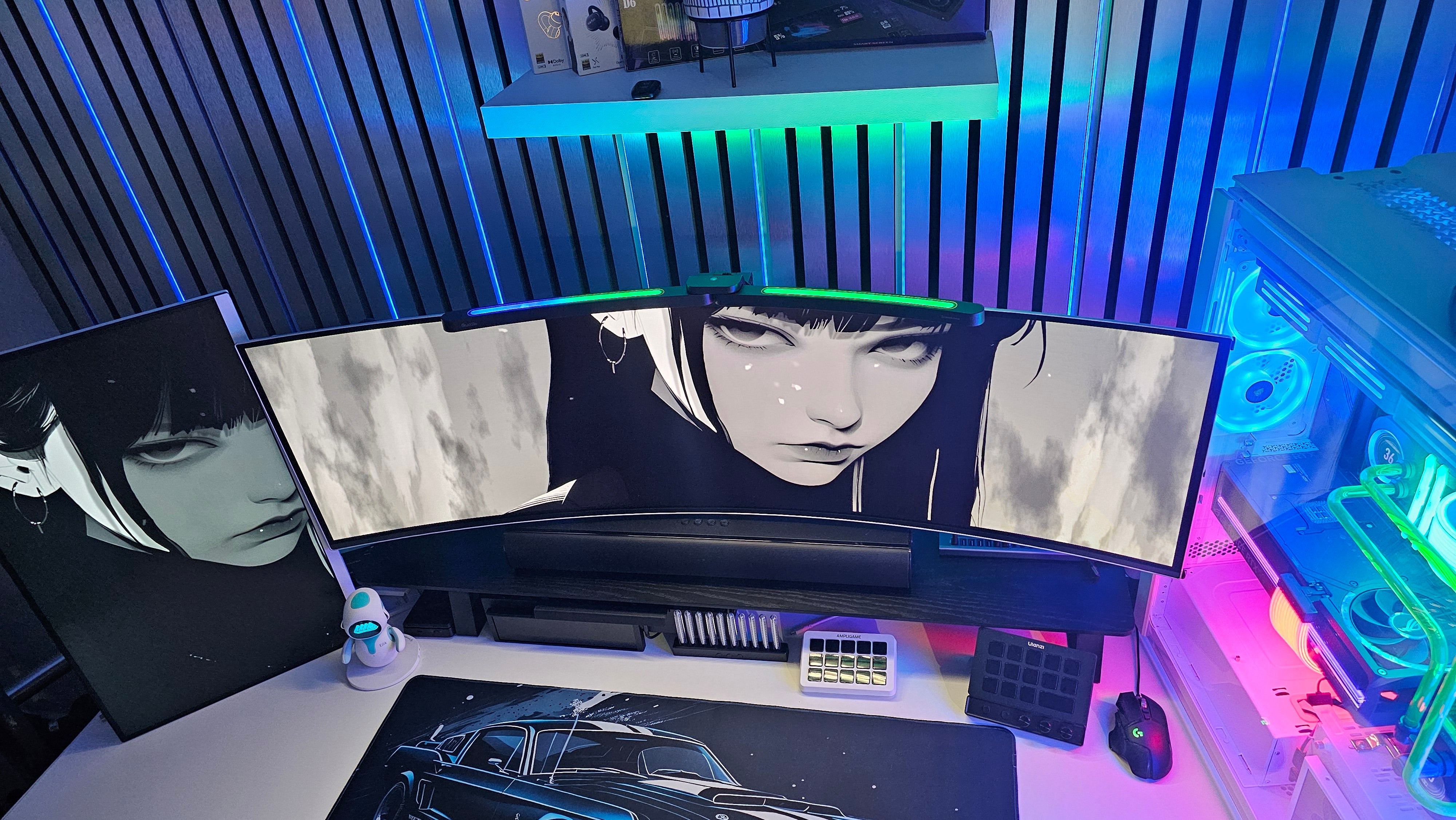
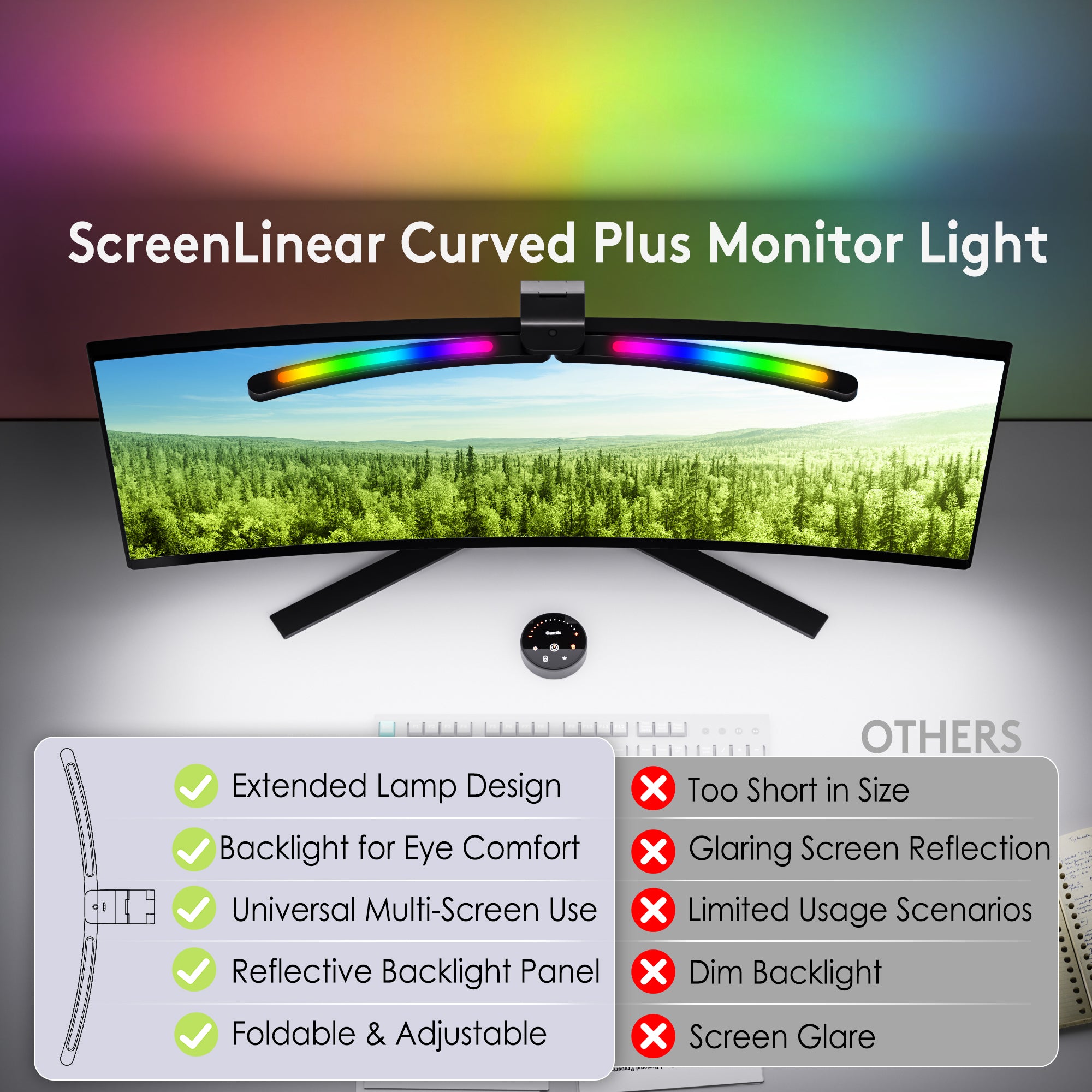
- 大型ウルトラワイド湾曲モニター向け設計:折りたたみ式のダブルヘッド設計で角度を調整でき、多方向の作業ニーズに対応します。作業箇所を正確に照らしたり、超広角照明の最大範囲(1000LUX~500LUX)を実現したりできます。湾曲モニターライトバーは伸長時の長さが25.74インチで、34インチ以上の大型画面や1000R/1800Rの湾曲画面に最適に対応し、照明の死角を解消します
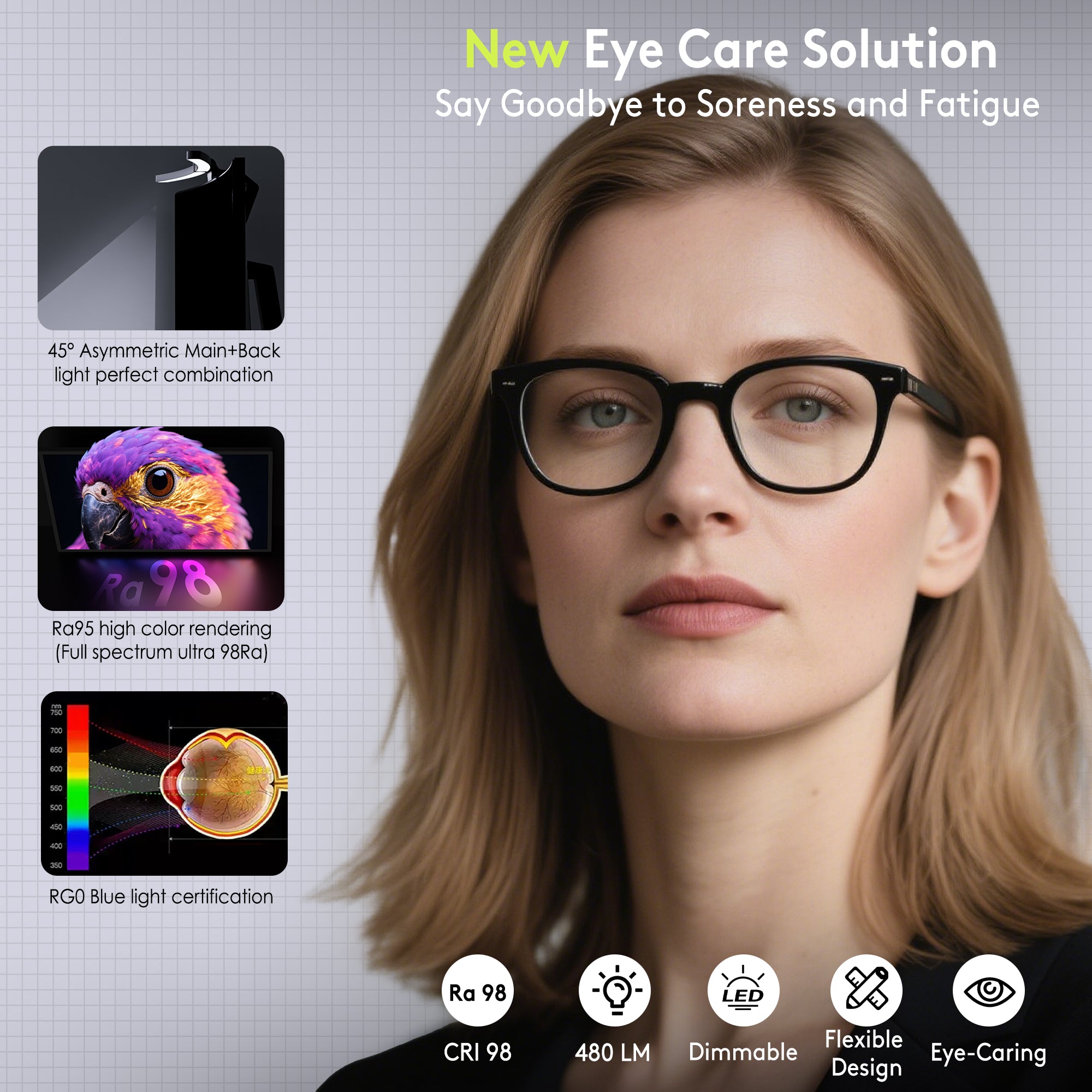
- 人間工学に基づくアイケア機能:演色性の低い環境光に長時間さらされると、目の疲れなどの不快感を引き起こす場合があります。Quntisの45°非対称照明デスクライトバーは、まぶしさを抑えながら対象物の色を忠実に再現(フルスペクトル超高演色性98Ra)します。また、コンピューター用LEDデスクランプはRG0ブルーライト認証を取得しているため、長時間の作業や勉強でも目の疲れを心配する必要がありません
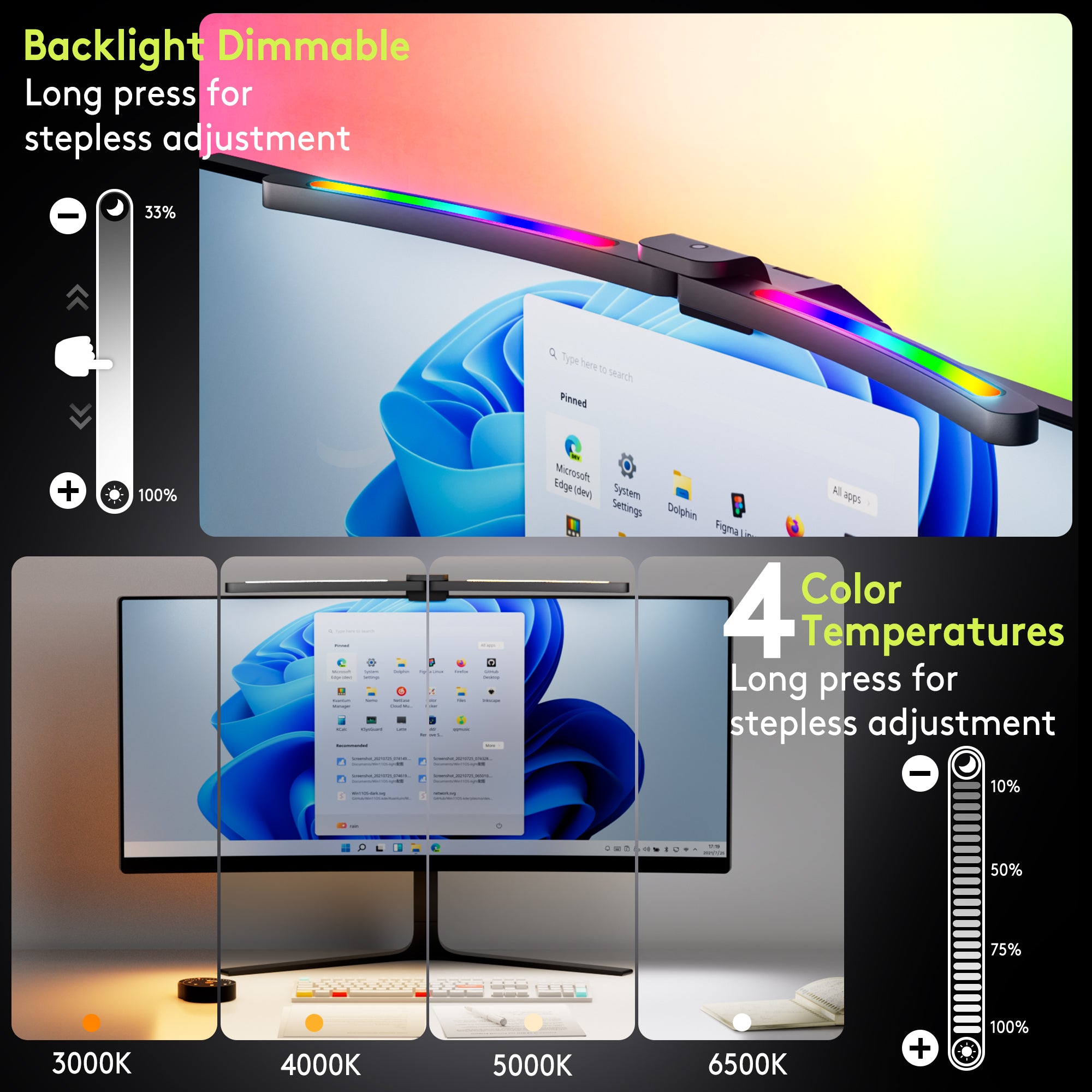
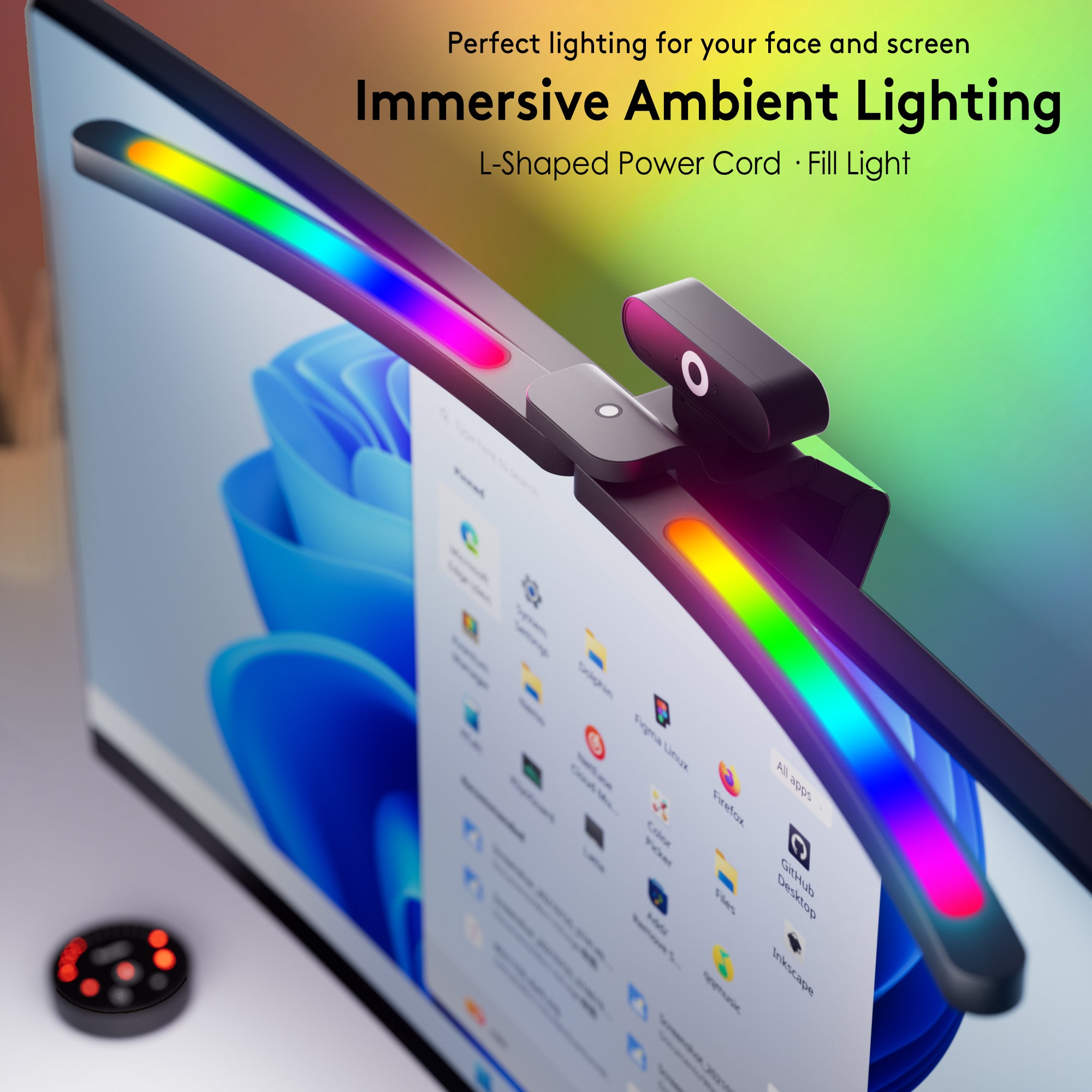
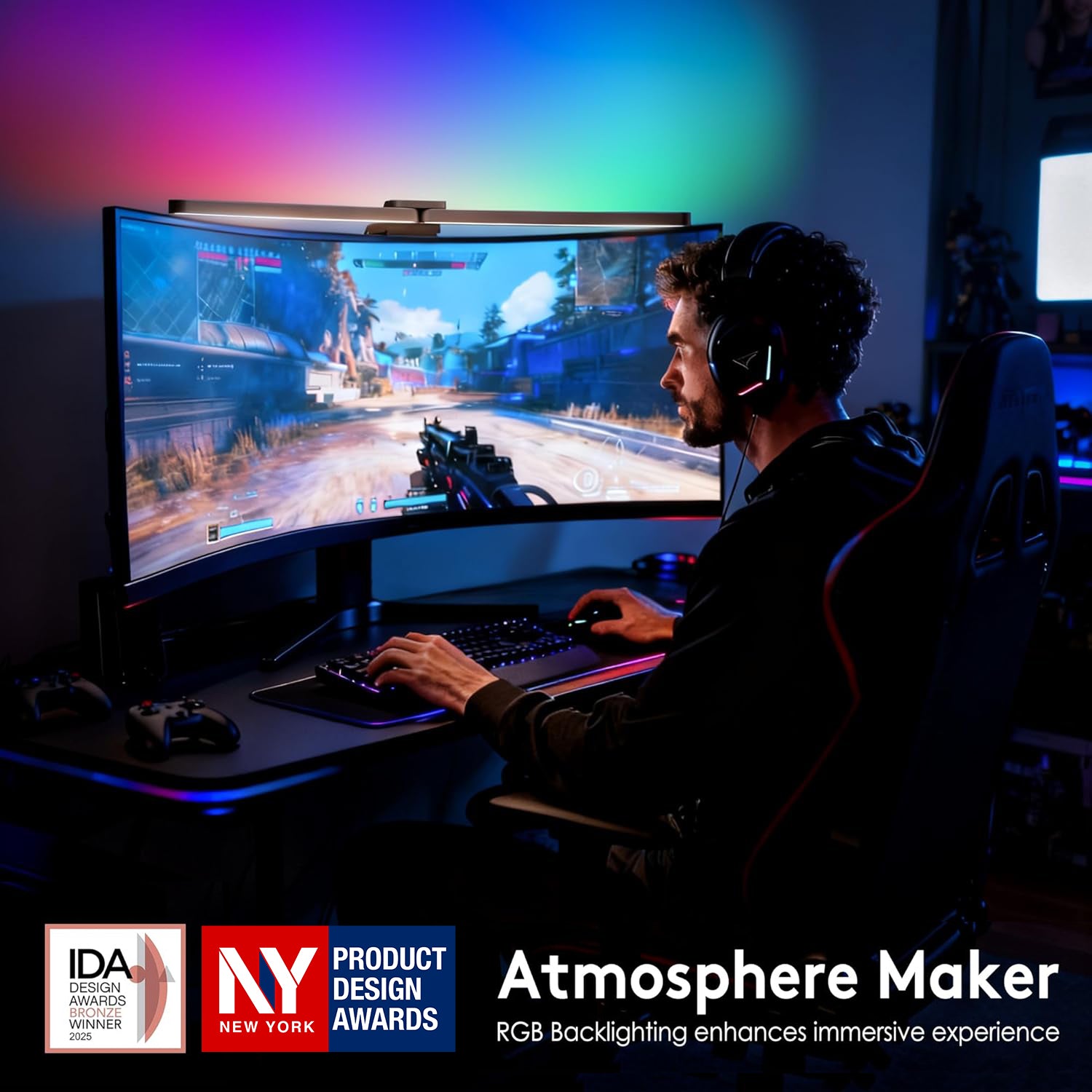
- RGBのアンビエントライトを演出:4つのプリセットと無段階調光(3000K~6500K)に対応した15色のRGBモニターバックライト。独自の折りたたみ式湾曲デザインと前面照明が、映画鑑賞やゲームをより没入感のある快適な体験にします。RGBモニターライトバーは、ゲーム愛好家に最適なアンビエントライトです
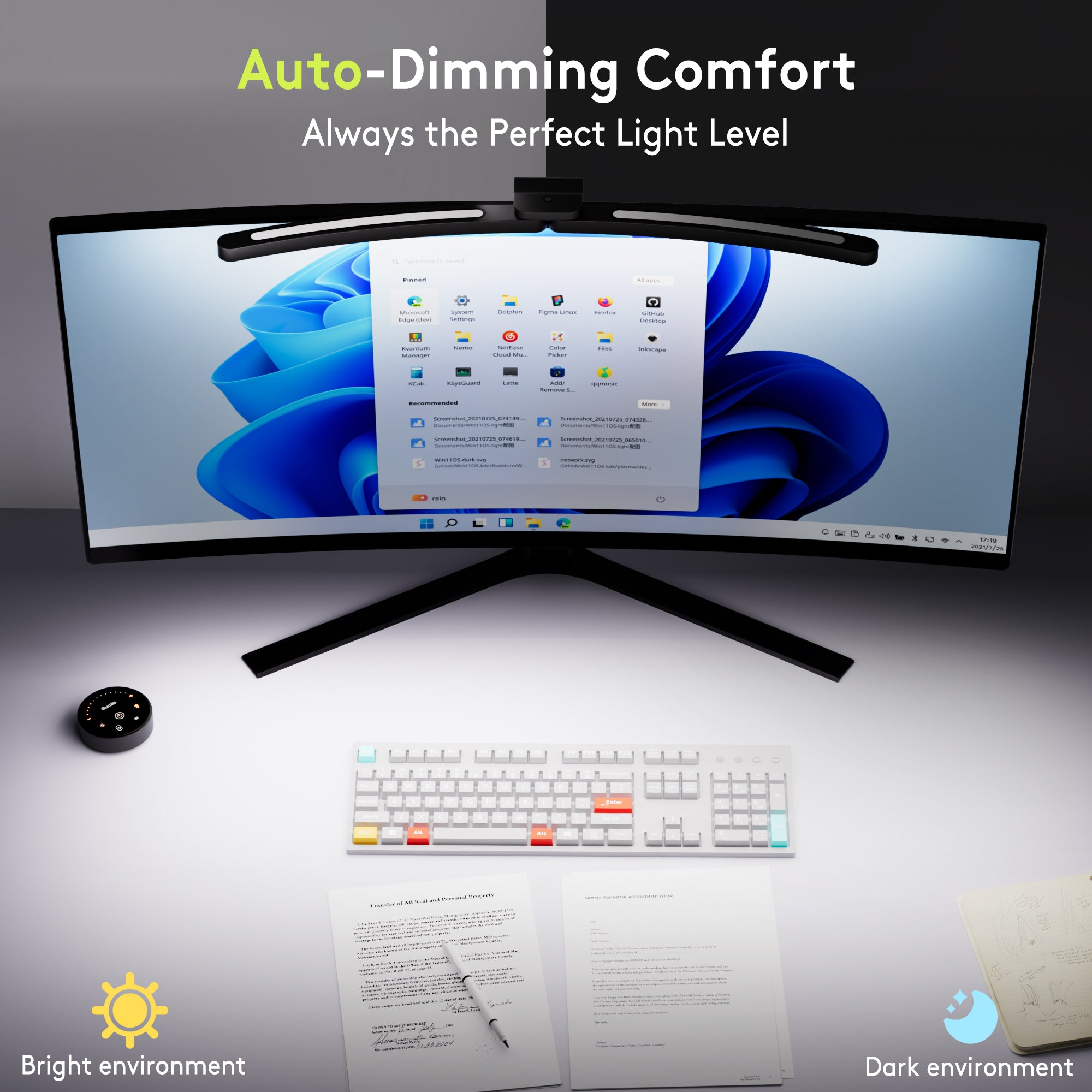
- デスク照明のスマートアシスタント:コンピューターライトバーが周囲の環境に合わせて明るさを自動調整し、仕事や勉強への集中力と効率を高めます。停電時設定メモリー機能により、照明設定を自動保存するため、繰り返し調整する必要がありません。1つのリモコンを複数のデバイスとペアリングでき、快適に操作できます
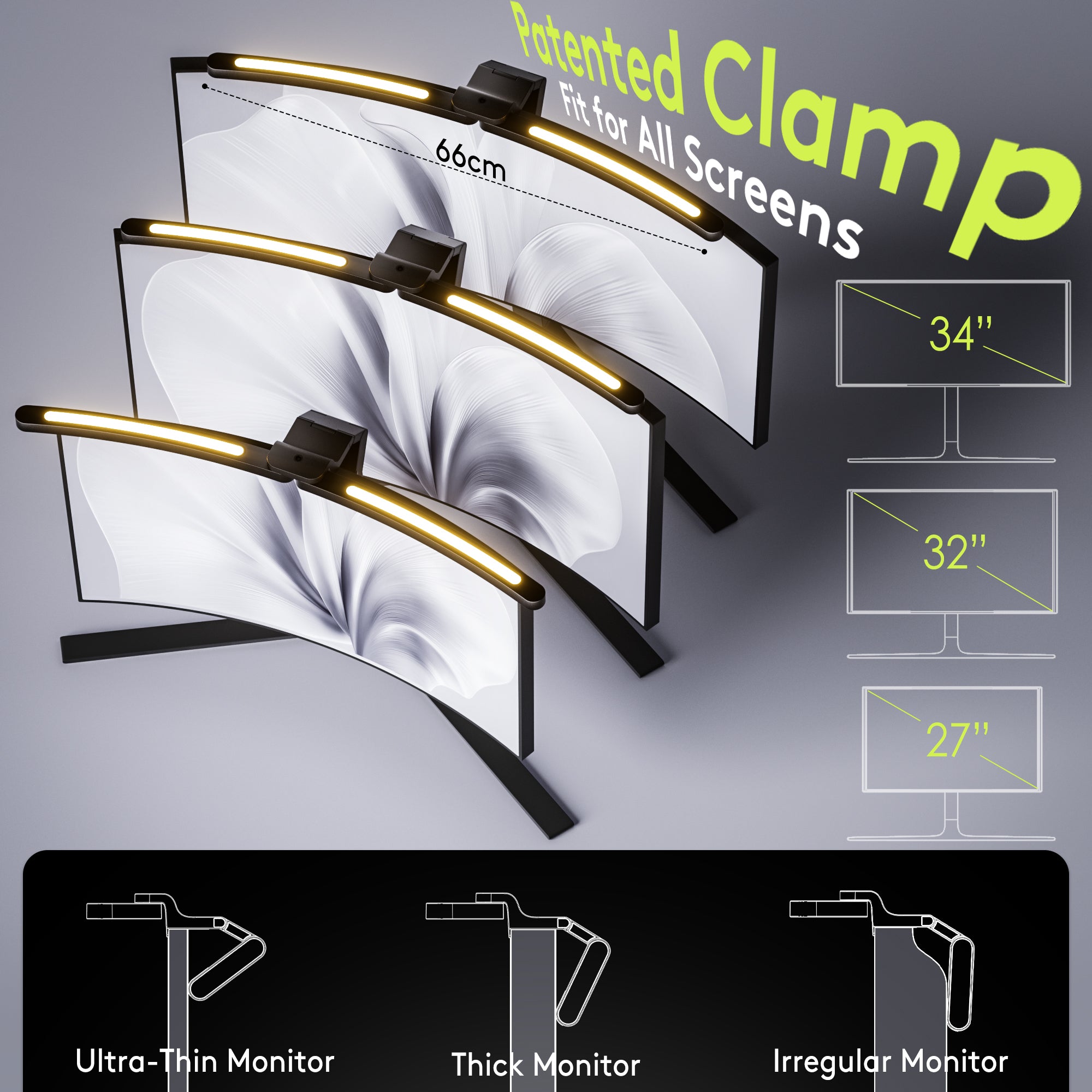
- 安定性と省スペースを実現するモニターランプバー:超強力な三つ折りクリップが画面にぴったりフィットして揺れを防ぎ、角度を調整するだけでモニター上部に設置できます。さまざまな厚さの画面に対応し、各種の不規則な画面、34インチ以上の大型画面、湾曲画面と互換性があります。USB-CのL字ケーブルによりカメラ用のスペースを確保し、デスクスペースの90%を空けてすっきり使えます
Processing Time:
1、Monitor Light Bar Series:
1-3(Business Days)
2、Other Categories:
2-4(Business Days)
Shipping Time:
United States: 7-14days
Other countries: 7-14 days
Please see our shipping policy for shipping times to other countries.
- One year warranty
- Exchange or refund within 30 days
オプションを選択してください
Quntis Foldable RGB Dual-Head LED Monitor Light Bar

Will It Fit Your Monitor?
Check the Top Edge
A stable top edge is all you need for proper installation.
Check the Rear Clearance
Make sure there’s enough space behind the top edge for the clamp to rest securely.
Check Your Screen Curve
Compatible with 800R–3000R curved monitors.
See the Size Before You Buy
Compare the 26-inch light bar with common ultrawide monitor sizes.

34" Ultrawide Size Reference
26" / 66 cm Light Bar
Visual size reference only.
47" Ultrawide Size Reference
26" / 66 cm Light Bar
Visual size reference only.
Focused in Front. Immersive Behind.
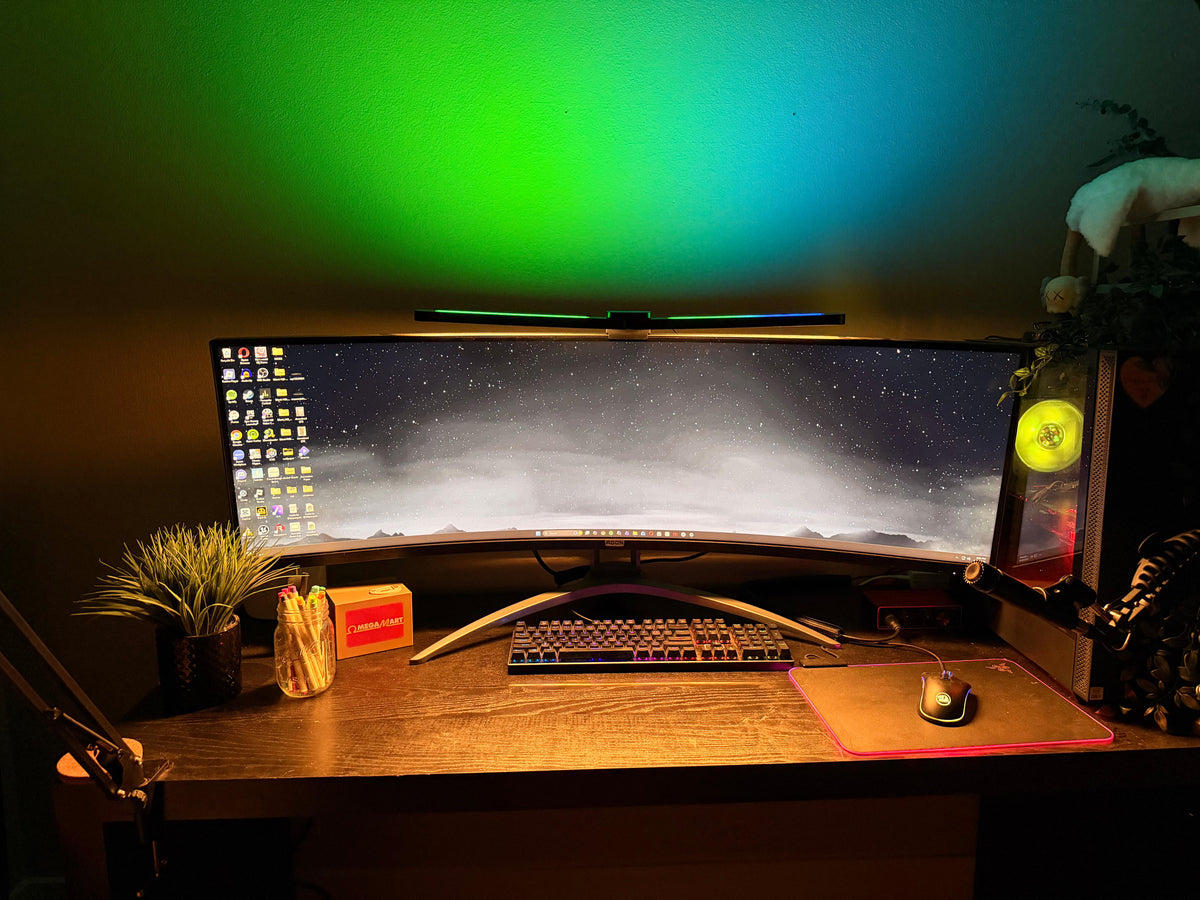
Front white light illuminates your workspace, while rear RGB lighting adds ambient color behind your screen. Control each light separately for work or play.
Front White Task LightClear, focused lighting for your desk
Illuminate your keyboard, notes and desk without turning the front LEDs into an RGB effect.
- Adjustable white light
- Brightness control
- Desk-focused direction
Rear RGB Ambient BacklightImmersive color behind your screen
Add color to the wall behind your monitor while keeping the work surface lit separately.
- Independent rear light
- Ambient RGB control
- Switch it off for color-sensitive work
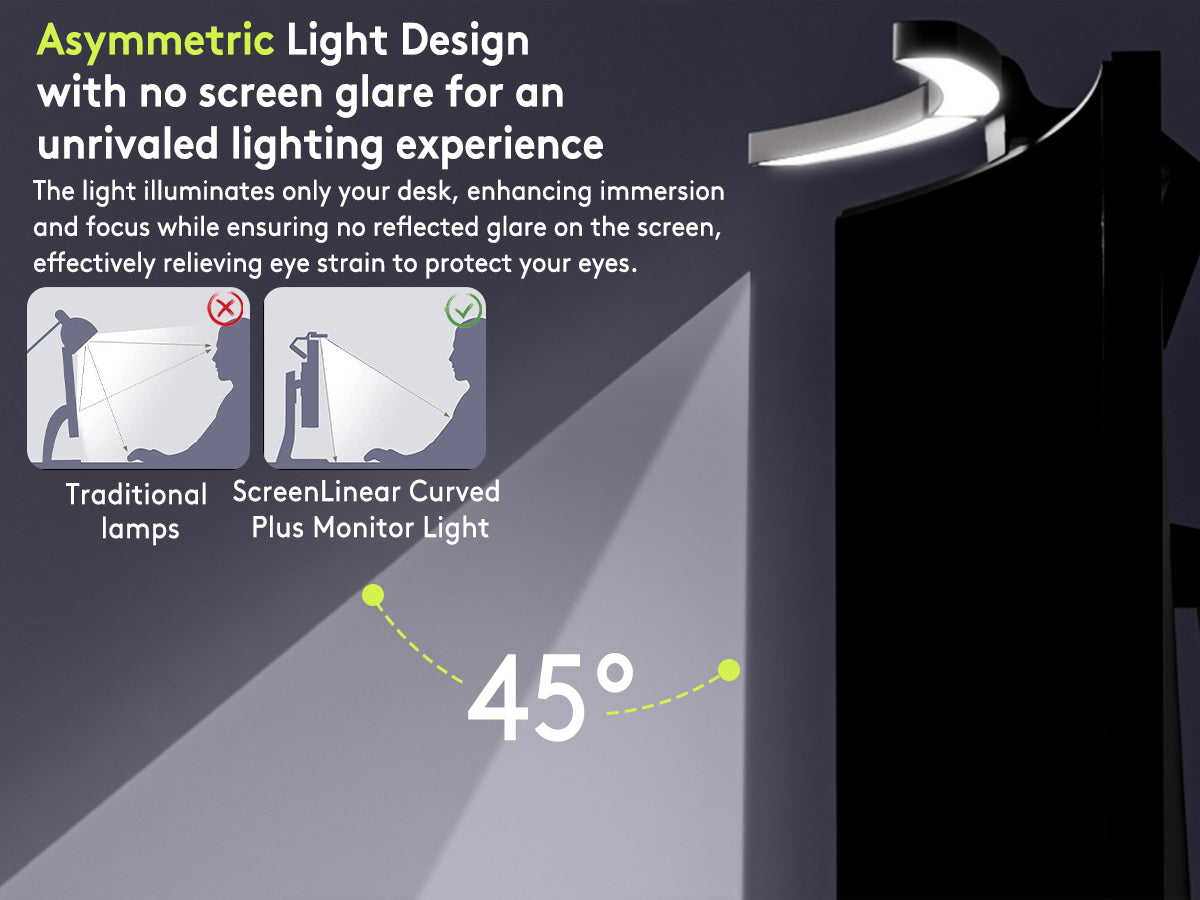
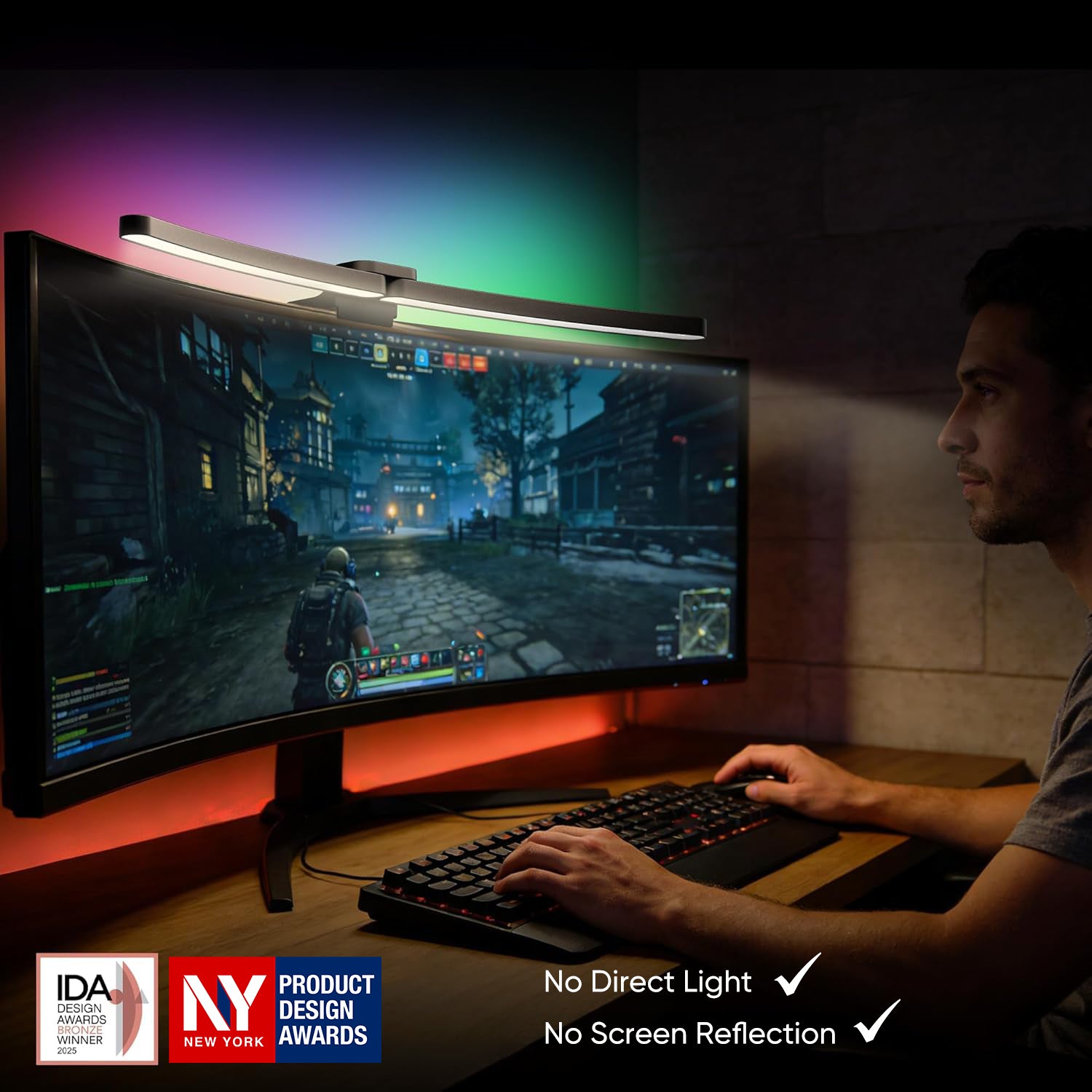
Light for Your Desk, Not Your Screen
The 45° asymmetric light path helps reduce direct screen reflections when the lamp is correctly positioned.
- Angle both light arms toward the desk.
- Adjust the lamp if a reflection appears.
- Use a short setup video next to this diagram.

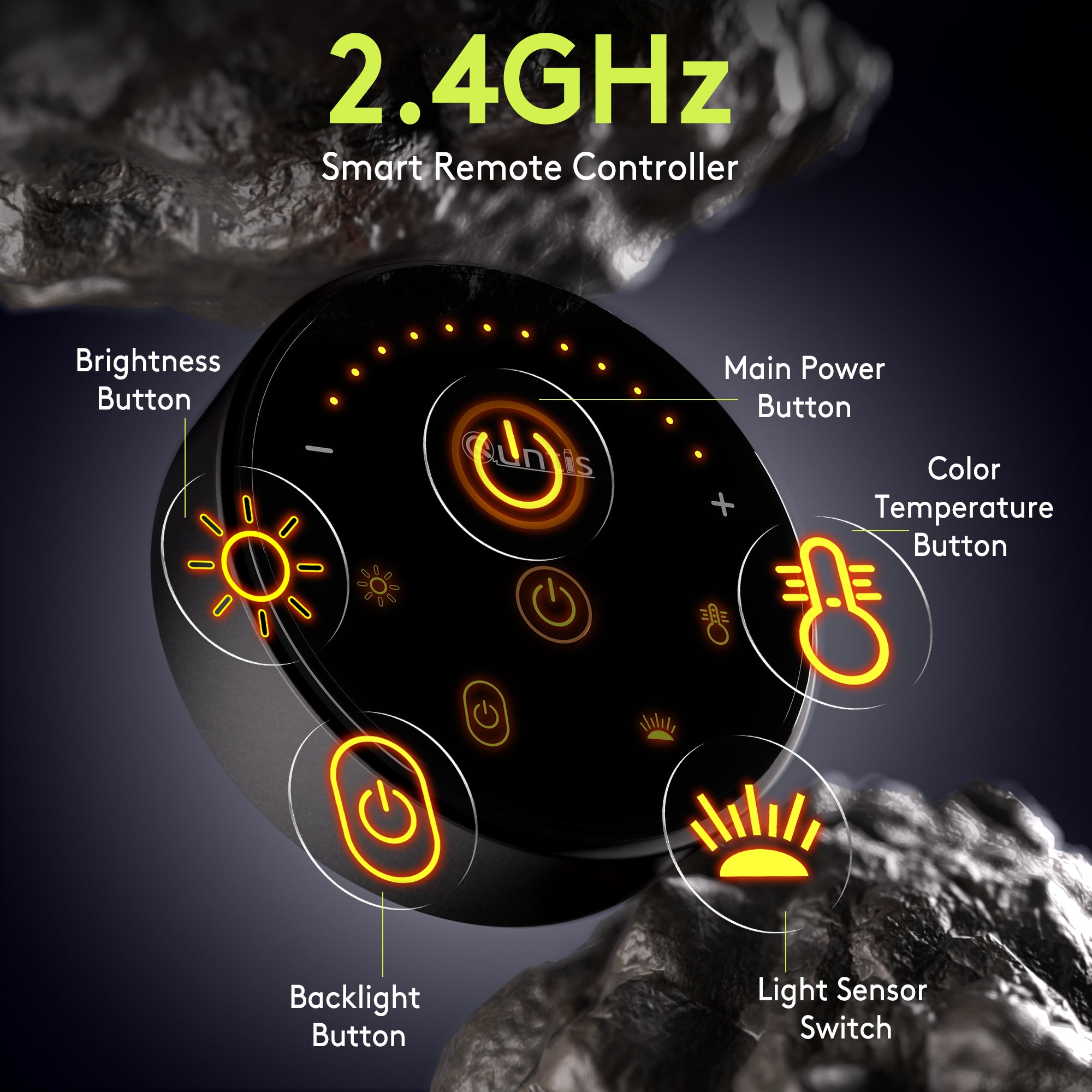
Wireless Puck Remote
Every Adjustment Within Reach
Control the light from your desk instead of reaching over a large curved display.
Wireless Puck Remote
Front brightness
Adjust the task light for the room and time of day.
Color temperature
Move between warmer and cooler white light.
RGB control
Change the rear ambient effect independently.
Auto-dimming
Use the ambient-light sensor when verified for this control flow.
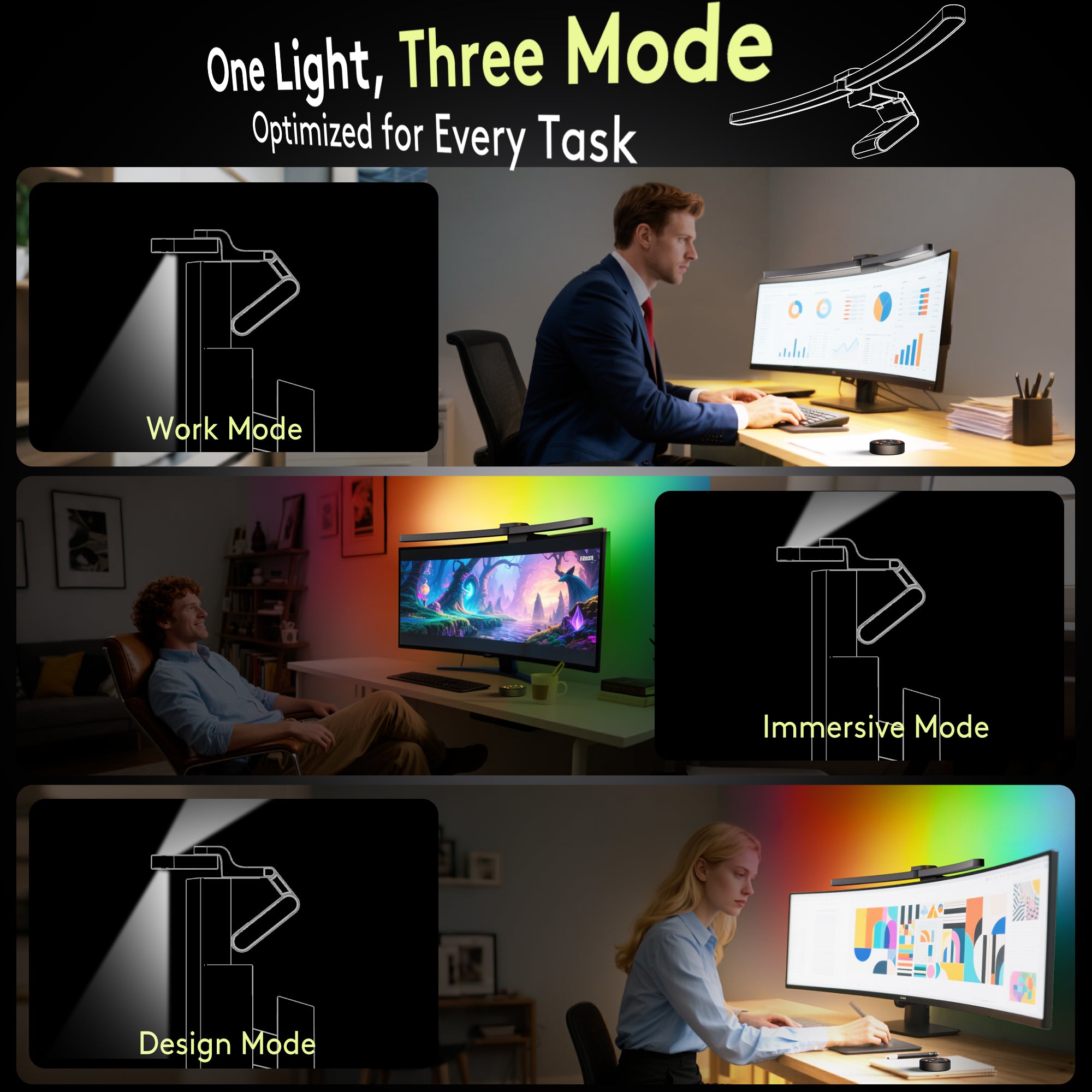
Set the Light for What You’re Doing

Ultrawide Gaming
Balanced front light with immersive RGB behind the screen.

Long-Hour Work
Neutral task lighting with ambient-light auto-dimming.

Color-Critical Creation
White task lighting with the RGB backlight switched off.
Built for the Hours That Add Up.
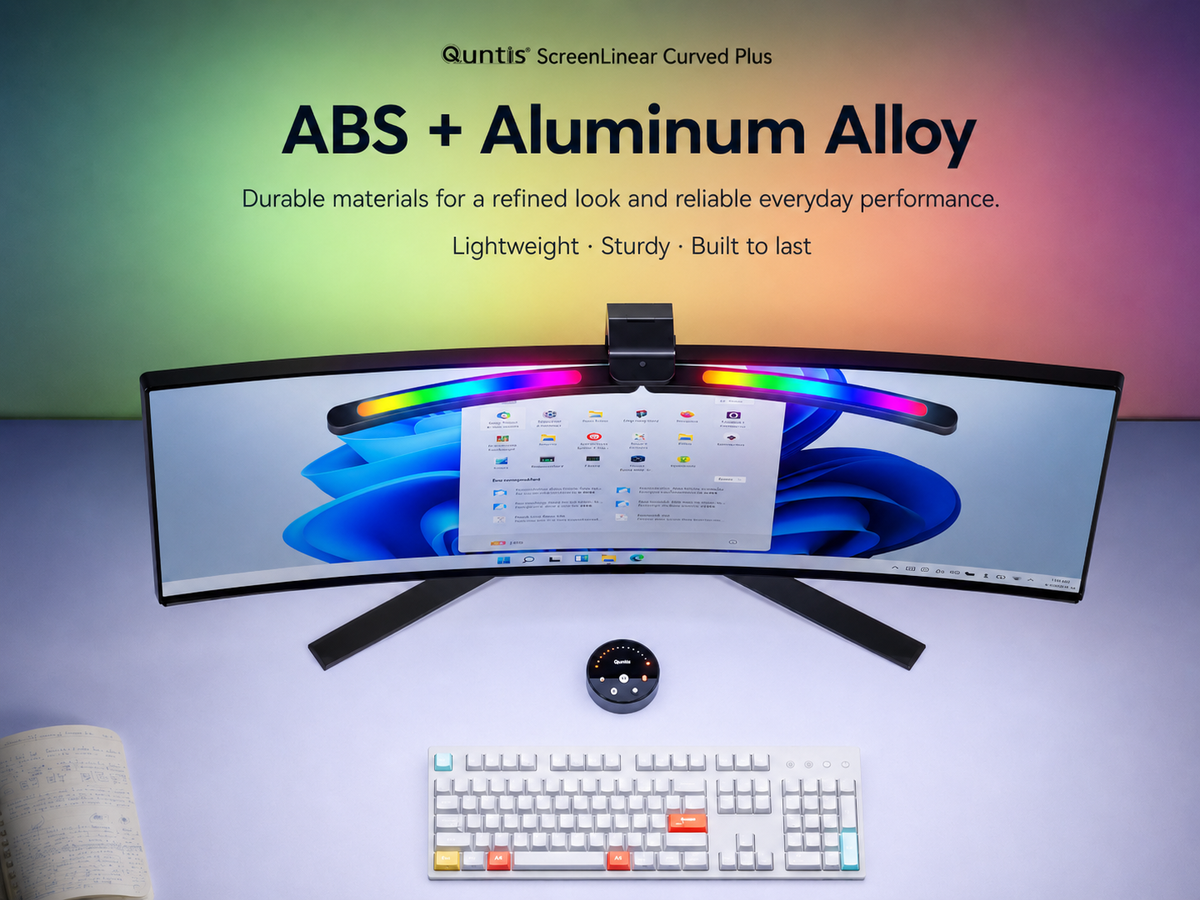
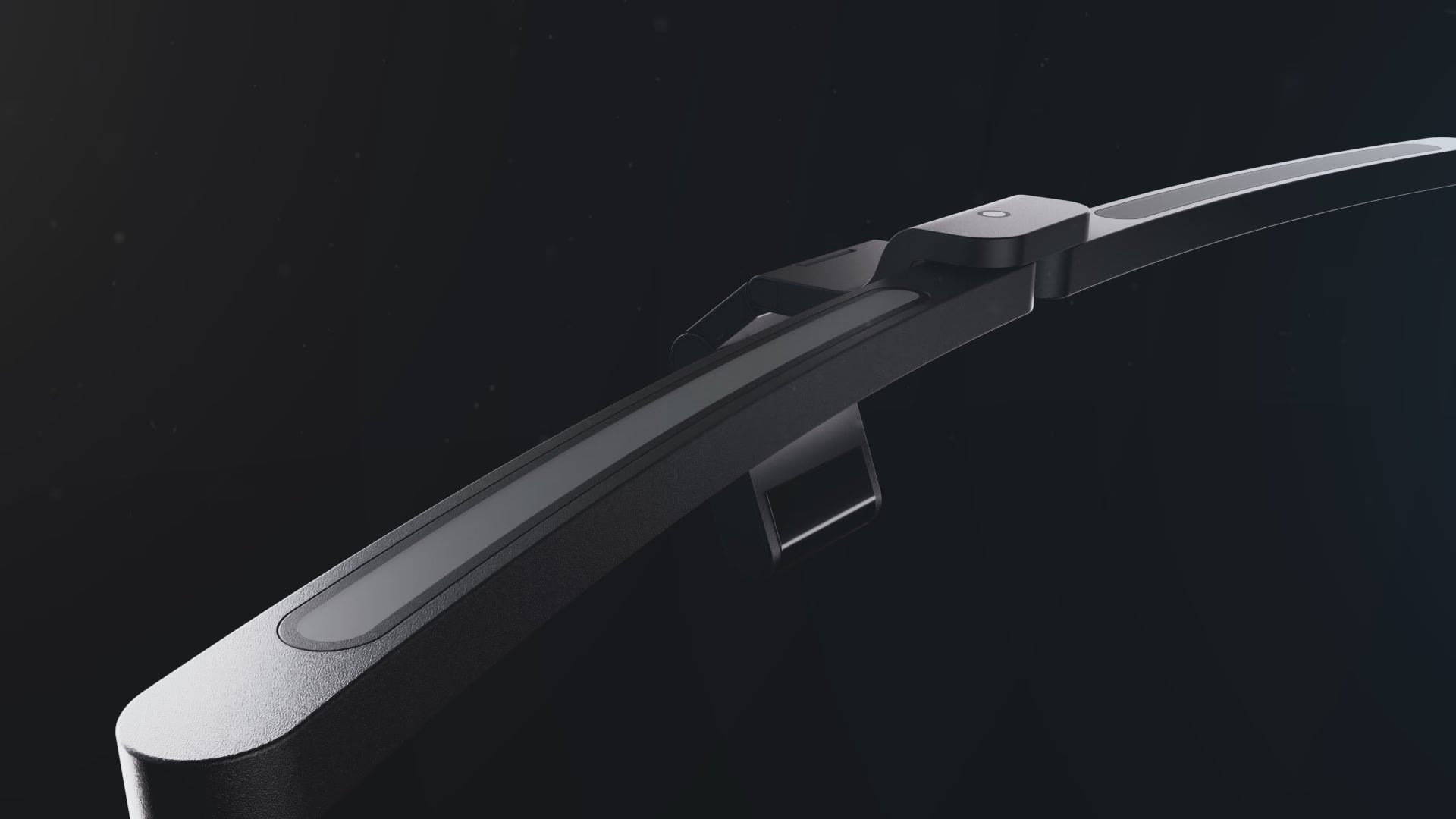
ABS + Aluminum Alloy Construction

Foldable center joint

Padded monitor contact
Specifications
Everything you need to know at a glance.
About
How to control two lights with one remote?
- Power On: Plug in both light bars. (The first one will typically pair with the remote automatically).
- Reset for Pairing: To connect the second light, unplug it from the power source and then plug it back in.
- The 12-Second Window: You must perform the next step within 12 seconds of plugging the second light back in.
- Pairing Command: Using the same remote, press and hold the Power Button for approximately 4 seconds.
- Confirm Connection: Once the light flashes or responds, the pairing is complete.
Need help with your Monitor Light Bar?
Frequently Asked Questions about Quntis Screen Lamps
Q&A
Quntis Curved Monitor Light Bar is designed for compatible ultrawide curved monitors. Fit depends on your screen size, curve, top thickness and back-panel shape. Measure your monitor and review the fit guide before ordering.
Some configurations may attach, but Model I66BK is shaped and positioned for ultrawide curved setups. Publish a flat-monitor answer only after fit testing defines recommended and limited-use configurations.
Webcam compatibility depends on the camera mount and your monitor’s top edge. Add the verified center-clearance measurement here and ask shoppers to compare it with their webcam.
No. The front LEDs provide adjustable white task lighting for your desk. The RGB LEDs are located on the back of the light and illuminate the wall behind your monitor.
Adjust the angle of both light arms so the beam falls on the desk rather than the display. Screen height, curve and viewing angle can affect reflection, so small angle changes may improve the result.
Add the verified front-light, RGB and full-power-disconnect behavior here. Do not use “remembers all settings” until each state has been tested.
The package includes 3 AA batteries for the wireless remote, plus a 5V/2.4A power adapter and a 1.8 m (5.9 ft) power cable.